
Chromebooks have become increasingly popular over the last few years and customers have been asking us about how to charge them from solar. Most of them charge similar to laptops, but have the energy efficiency of a tablet. Here we provide a basic outline of compatibility and what to expect when charging them from the sun. All our laptop charging systems are perfectly capable of powering your Chromebook while away from the electrical grid.
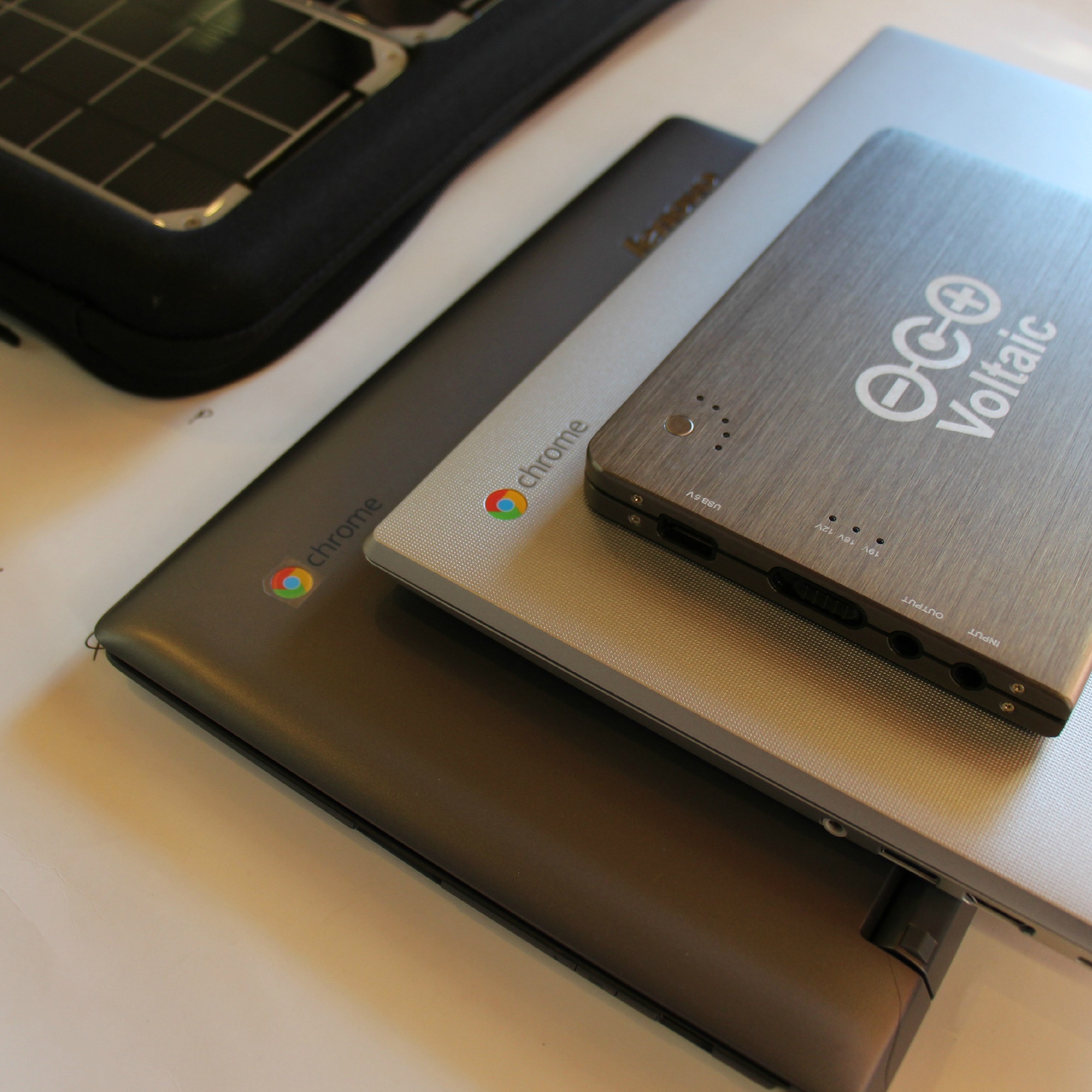
There are many Chromebooks on the market so we couldn’t do tests or provide specs for all of them, so feel free to use the table below as a reference for your own laptop to see how you’d expect it to perform. On a sunny day, any of our 10 Watt Systems (Fuse 10W, Array) will provide about an hour of runtime for every hour in the sun. Our 17 Watt systems can provide over 90 minutes for every hour in the sun.
| Chromebook Model | Battery Size | Laptop Battery Life* |
Full Charge from 10W Solar System** |
Full Charge from 17W Solar System** |
|---|---|---|---|---|
| Asus C300 | 48 Wh | 10 hrs | 9.5 hrs | 5.7 hrs |
| Acer C720 | 45 Wh | 8.5 hrs | 8.9 hrs | 5.4 hrs |
| HP Chromebook 11 | 30 Wh | 6.5 hrs | 6 hrs | 3.6 hrs |
| Samsung Chromebook 2 | 35 Wh | 8 hrs | 6.9 hrs | 4.2 hrs |
| Toshiba Chromebook 2 | 44 Wh | 9.5 hrs | 8.7 hrs | 5.2 hrs |
| Dell Chromebook 11 | 51 Wh | 8 hrs | 10.1 hrs | 6.1 hrs |
For reference to see how Chromebooks stack up against other laptops and tablets you may want to take with you, see the chart below. Runtime per every Watt hour of capacity is in the same ballpark as a MacBook Air and a bit worse than a typical tablet (assuming the specs manufacturers runtime specs are accurate…feel free to adjust if you have first hand information on runtimes).
| Device | Battery Capacity | Device Battery Life* |
Full Charge from 10W Solar System** |
Full Charge from 17W Solar System** |
|---|---|---|---|---|
| MacBook Pro Retina 15″ | 60 Wh | 9 hrs | 11.9 hrs | 7.1 hrs |
| HP Elitebook 8460p 14″ | 60 Wh | 5 hrs | 11.9 hrs | 7.1 hrs |
| Chromebook Averages | 42 Wh | 8.4 hrs | 8.4 hrs | 5 hrs |
| MacBook Air 11″ | 38 Wh | 11 hrs | 7.5 hrs | 4.5 hrs |
| iPad Air 2 10″ | 28 Wh | 9 hrs | 5.6 hrs | 3.3 hrs |
| Microsoft Surface Pro 3 | 42 Wh | 9 hrs | 8.3 hrs | 5 hrs |
Advantages of traveling with a Chromebook
One of the main advantages of traveling with a Chromebook is their energy efficiency. They are small (screen sizes of 11-13 inches) and light so they can be easily thrown in your backpack. They are not as energy efficient as large tablets, but they offer almost all of the advantages of a laptop that many tablets do not provide (such as USB ports, a SIM-card slot for pictures, a comfortable keyboard, and a larger screen).
Another advantage of using a Chromebook away from the electrical grid is their low price. At a starting price point of $200, you could reasonably justify buying one just to protect your main laptop by leaving it at home while you travel.
Additionally, the distinctive feature that separates Chromebooks from any other on the market is their cloud-based software, so your files are automatically backed up through Google’s cloud services whenever you have access to WiFi. That means you’ll never have to worry about loosing your files if your laptop is lost, stolen, or broken while traveling abroad.
Disadvantages of traveling with a Chromebook
The small hard drive capacity (8-16GB) almost requires frequent backups online if you are gathering lots of pictures or videos, which presents a serious problem if you are miles away from a reliable WiFi network. Additionally, when you temporarily have access to a WiFi network it may take a long time to upload all of your new pictures and videos (if you have several gigabytes worth). The storage problem can be solved if you bring your own external hard drive or SD card to hold your files.
Another drawback is the limited suite of apps and programs that work with Chromebooks. While there are many apps and programs that are specifically designed for Chromebooks to satisfy all of your average computing needs, there may be specialty programs or software that you need for your trip that is not compatible with them.
Conclusion
If you plan on powering your electronics exclusively from solar power, consider only bringing a tablet if a laptop is not necessary. Using a tablet will save you money, weight, and storage space for both the device itself and the solar charging equipment necessary to keep it powered. If you want the keyboard and laptop feel, Chromebooks have some major advantages over other laptops such as price and weight, though we recommend bringing an external hard drive with you to store all of your pictures, videos, and files while traveling abroad.
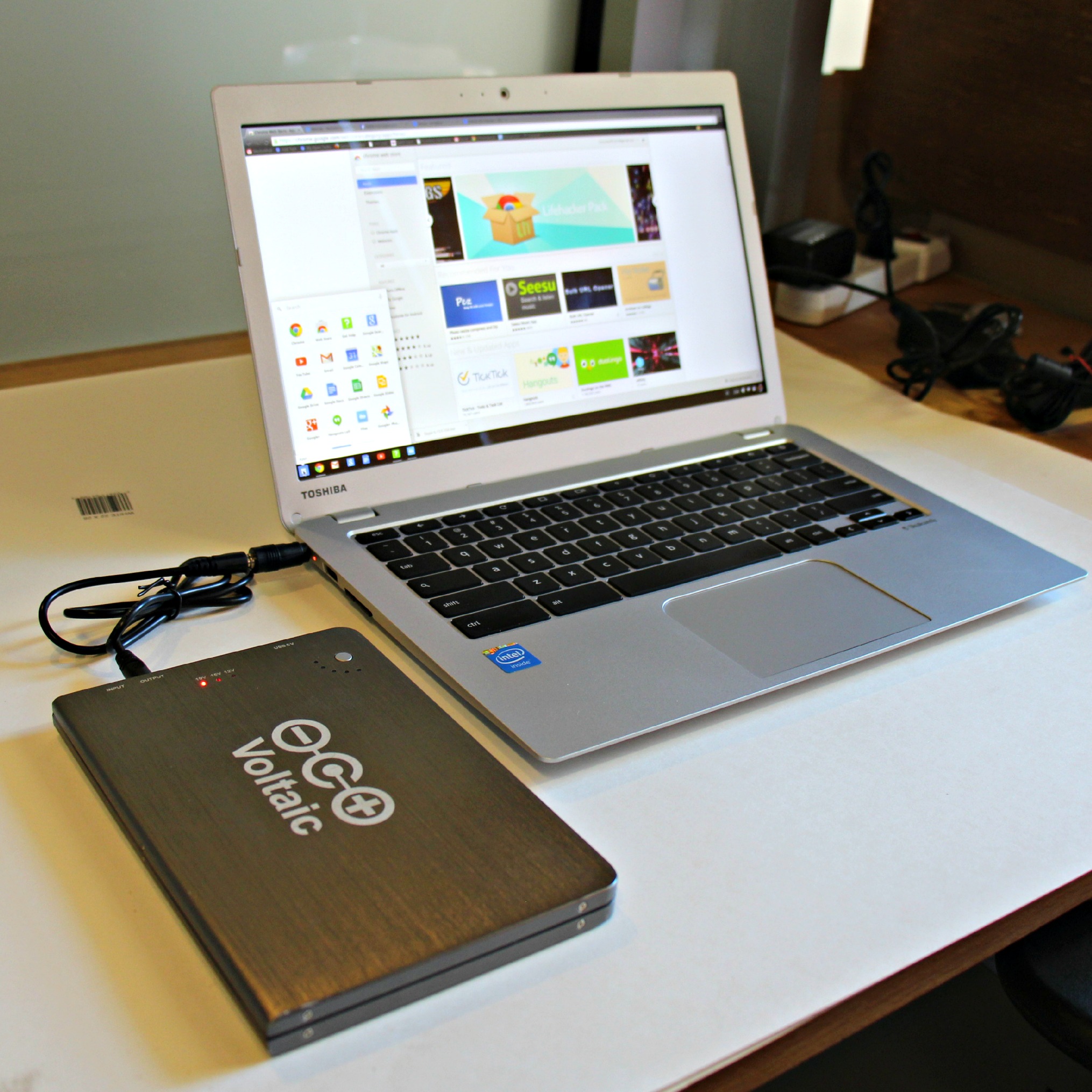
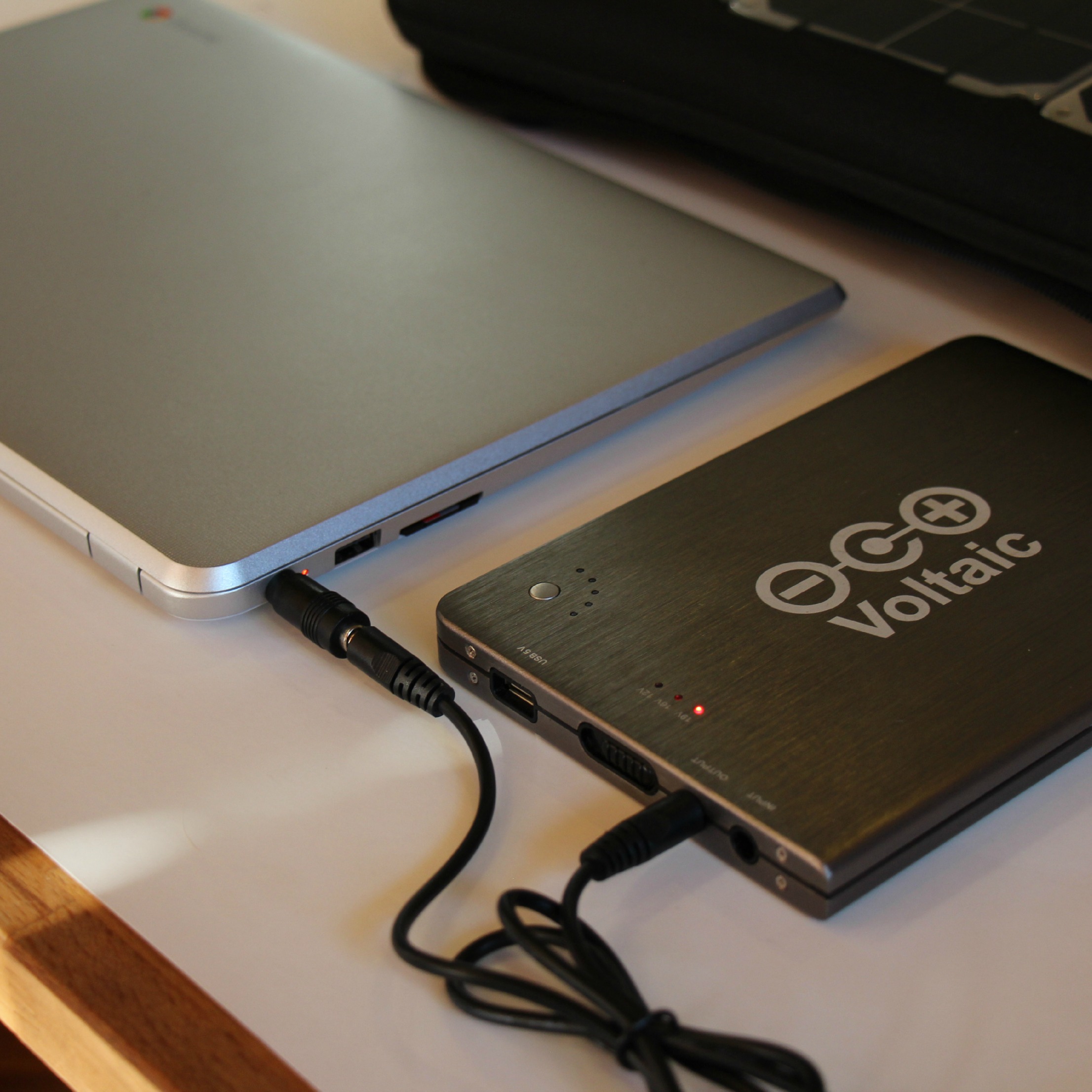
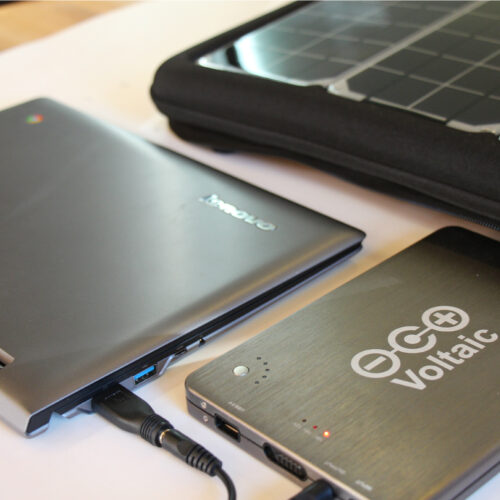
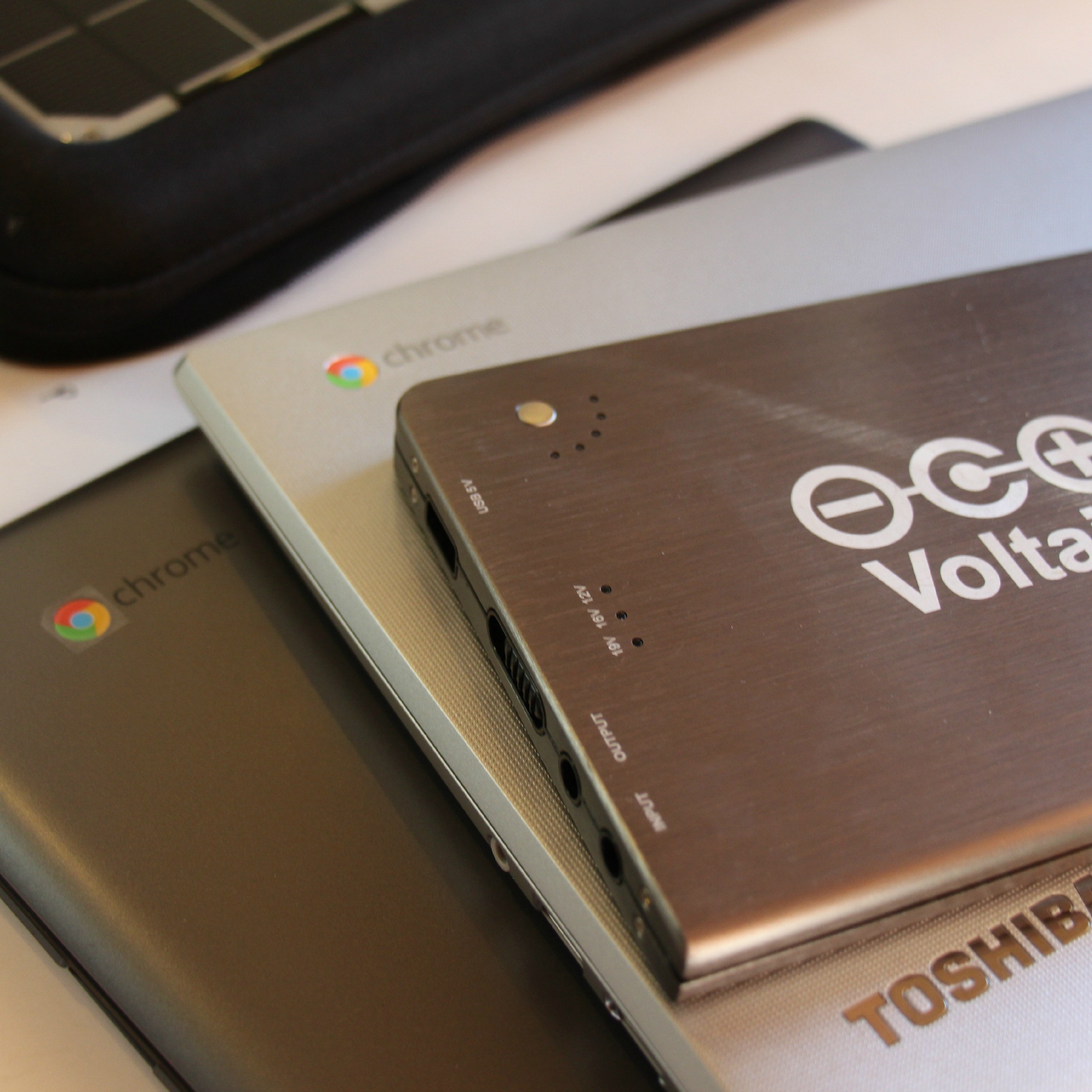
If you’ll be frequently traveling around with all of your gear, consider using our Array Solar Backpack or Fuse 10W Solar Charger to hold and charge your laptop. If your belongings can stay stationary in a relatively safe area, consider using the 17W Solar Charging Kit to power your devices in much less time. For proper use, make sure you match the voltage of the V88 to the voltage of your Chromebook’s AC charger as closely as possible (it should be clearly labeled on your Chromebook’s AC charger), and charge the laptop while it’s asleep or turned off to stretch the battery capacity of the V88 even further.
*Battery life times are estimates based on manufacturer specifications, and will vary based on many factors including screen brightness and program usage.
**Solar charging times are estimates based on ideal conditions, and are subject to change based on cloud cover, temperature, and angle of the panel towards the sun.
Hi there – do you have any products that would chatge an ACER Chromebook 514? Many thanks, Eddie.
Yes, you can charge it from either:
V88: https://voltaicsystems.com/v88
Arc 20W Kit: https://voltaicsystems.com/arc20w-kit
Array Solar Backpack: https://voltaicsystems.com/array
You would also need a PD (Power Delivery) compatible USB-C to USB-C cable to make the connection to your Chromebook.
I saw that you listed the samsung chromebook 2, I can’t seam to figure out which adapter is required for mine. Would you care to share?
you’ll need the Q adapter: https://www.voltaicsystems.com/f5521-2507